
Change your username or password
Choose the circle in the top right corner, then My Account. Change your username or type a new password there, and choose Update.
Change it
Choose the circle in the top right corner (on a phone, left of the menu), and My Account.
For a new name, change Username.
-
For a new password, type it under New Password and again under New Password Confirmation, below the current one.
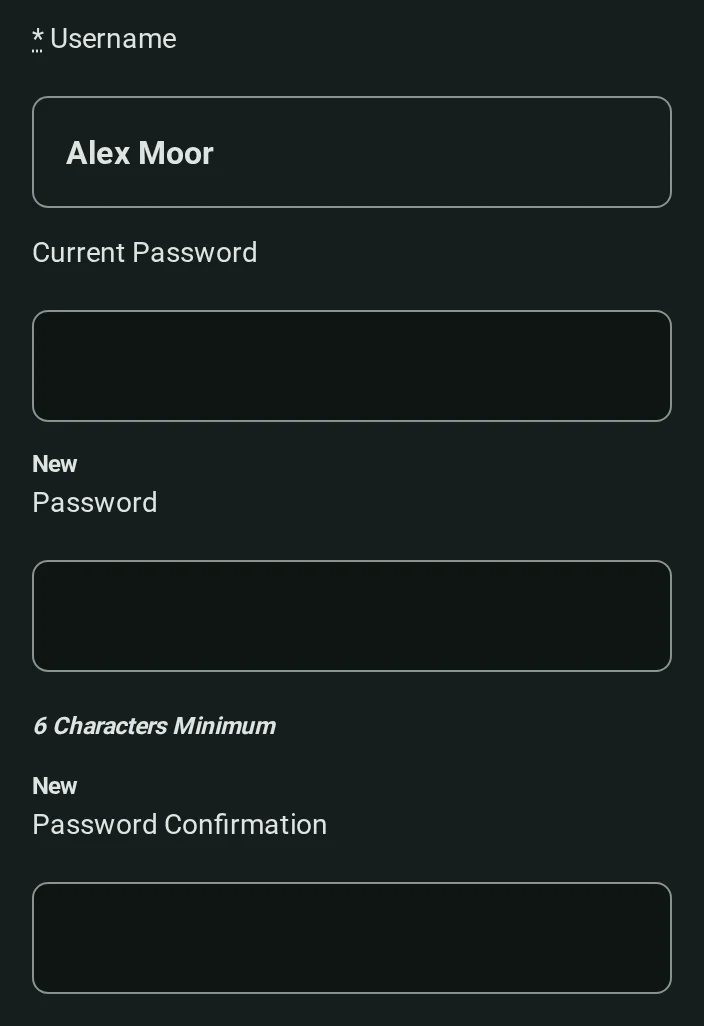
Type the password you have now under Current Password, and choose Update. Both changes need it. You land on the home page when it worked.

Good to know
- With a Google or Apple account there is no Current Password field. Fill in the new password twice to set one. You can still sign in the way you did.
- A username is at most 32 characters. Somebody else may have the same one, and your old games show the new name.
- A password is at least 6 characters.
- Forgot your password? Choose Forgot your password? where you sign in. The link in the email works for 6 hours.
- Your email address is on the same page. Your picture comes from gravatar.com.
Find this in
- My Account
Something on this page is wrong? Tell us on Discord or contact us