
End a game
The host opens Settings on the board and chooses End game, and then everyone can set who won. To stop on your own, choose the skull at your life total and then Concede.
Concede
On a computer, point at your own life total and choose the skull. On a phone, tap the crossed swords and tap the skull in your own panel twice.
-
Choose Concede. If another player killed you, pick their seat under Killed by and choose Confirm death instead.
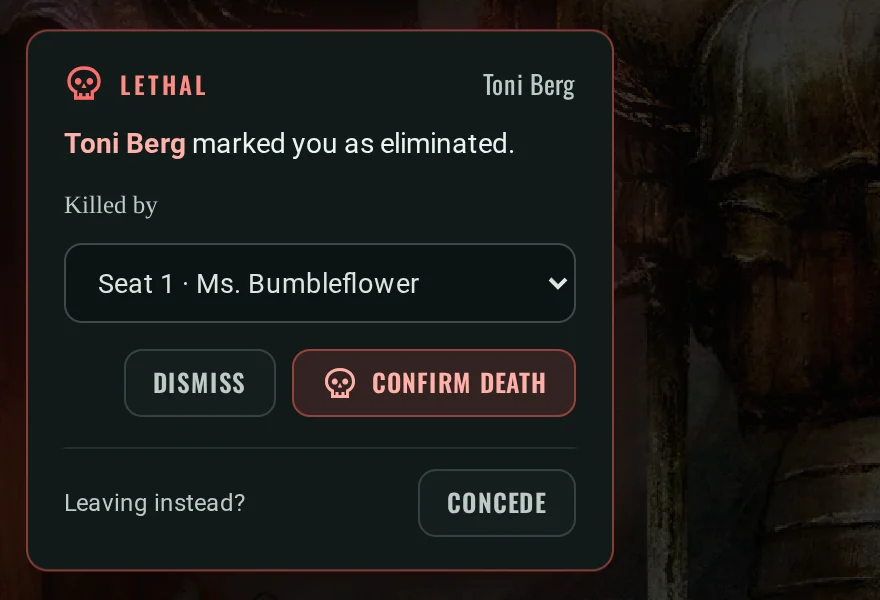

You can stay and watch. The skull at another player's life total asks that player to confirm that they are out.
End the game
When one player is left, everyone sees End the game?. The host chooses End game, or Keep playing if it was a mistake.
-
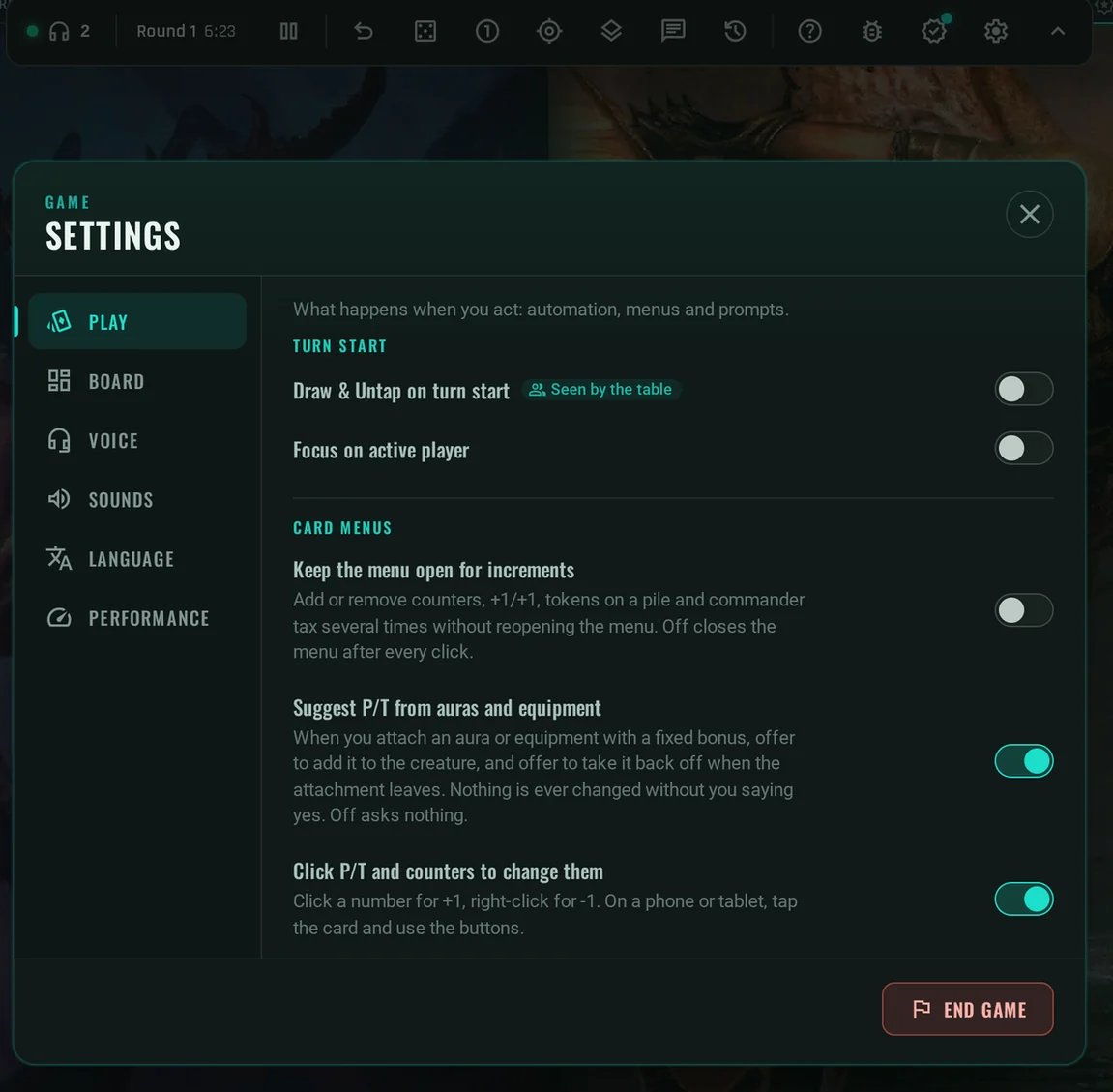
At any other moment, the host opens Settings and chooses End game. On a computer, the arrow in the bar at the top shows Settings; on a phone, it is in the menu. This ends the game at once, without another question.
-
Choose the winner and how it was won. More than one winner is a draw. Any player can do this, and everyone sees it.
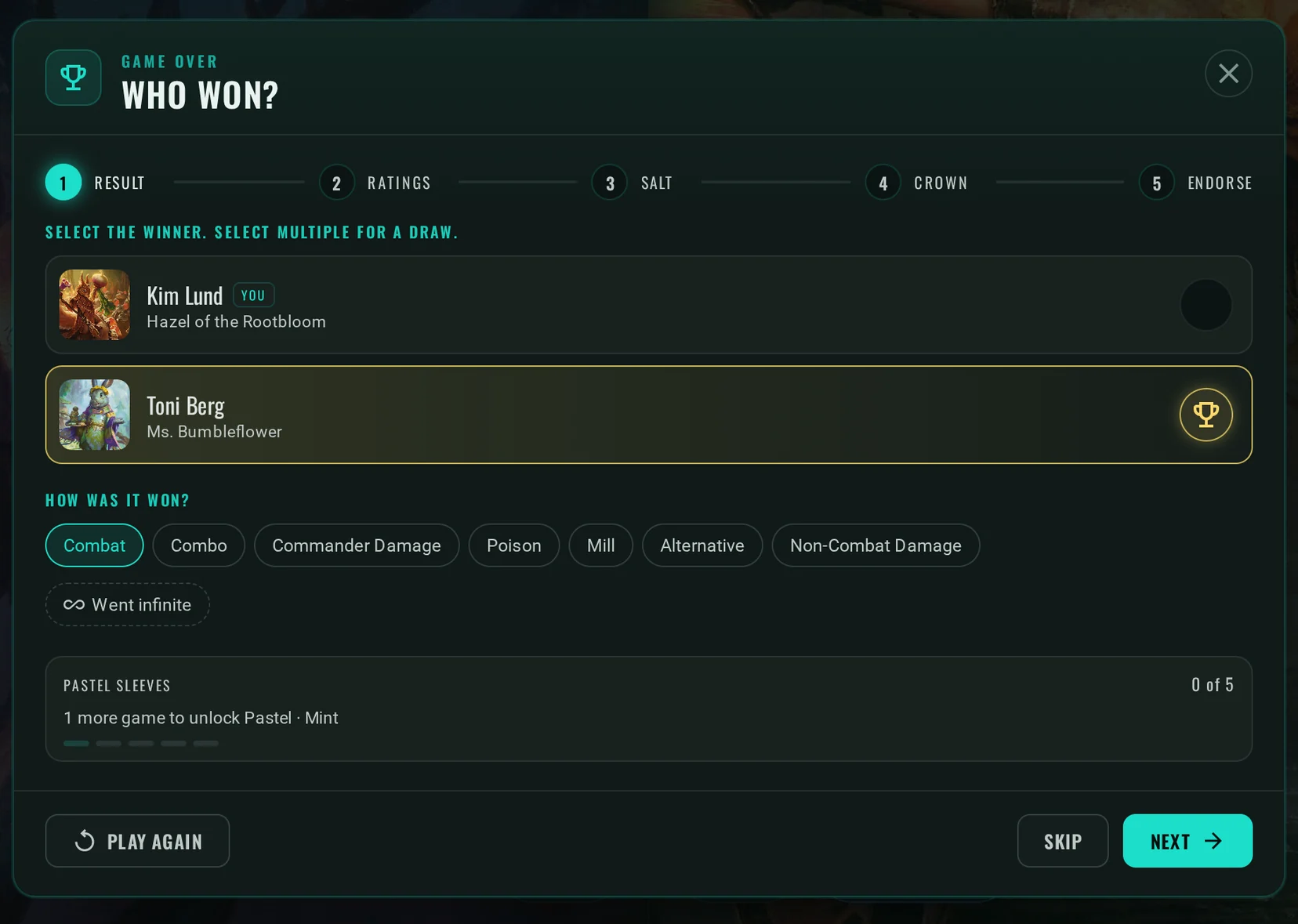
Choose Next to rate the game, or Skip to pass a step. The last step is Done, and then View game. Play again is on every step.

Leave without ending it
Go back in your browser and choose Leave game. The game goes on and keeps your seat. To come back, open Play online and choose Back to your game at the top.
On the paper tracker
-
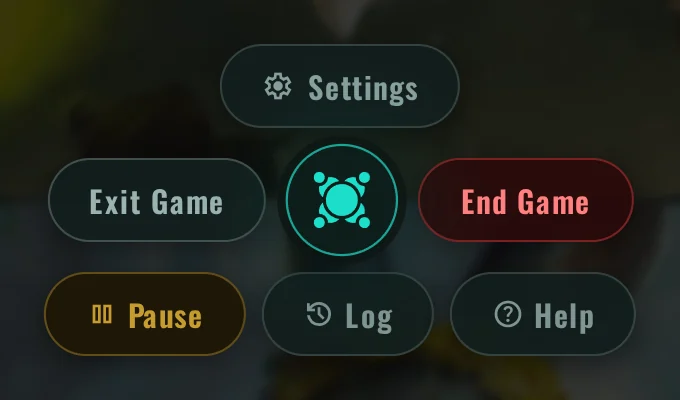
Tap the button in the middle of the screen and tap End Game. This ends the game. A game that has not started shows Discard game instead.
Tap the winner and the win condition.
Tap Next to rate the game together, or Skip to Recap. After the last step, tap Confirm & view recap.
Good to know
- An ended game cannot be opened again.
- Only the host can end a game on Playgroup Live. If the host is disconnected for two minutes, another player becomes the host.
- You can close the window with the result. View results at the bottom of the board brings it back.
- A playtest has no result to set. Choose ← Deck at the top left, then Delete playtest, or Leave game to keep it.
- New to Live? See Start a table.
Find this in
Something on this page is wrong? Tell us on Discord or contact us